
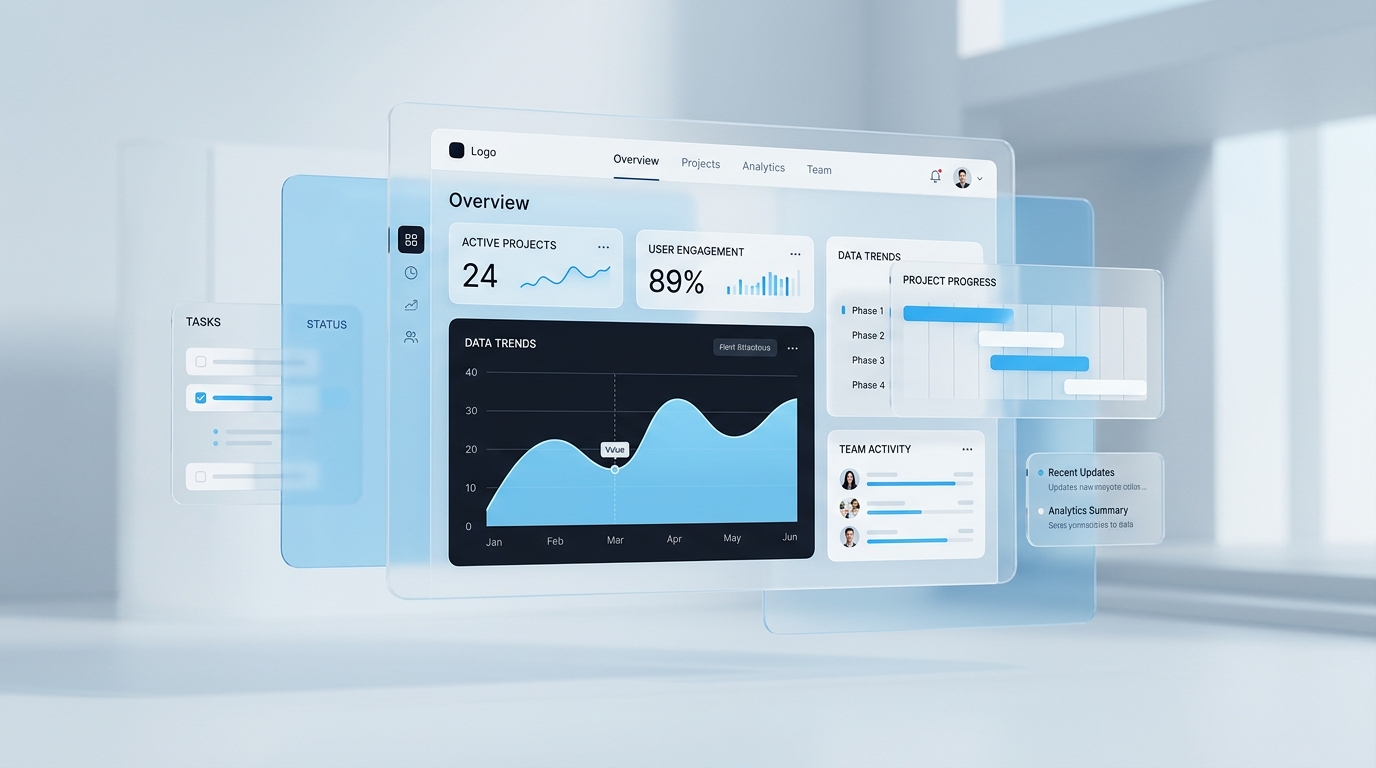
Calm is a form of clarity
Business software can contain many states, permissions, and exceptions without feeling chaotic. Calm interfaces give each layer of information a clear purpose and reveal detail when it becomes relevant.
This is less about visual minimalism and more about helping a person understand where they are, what changed, and what action matters next.
Build a visible hierarchy
Strong hierarchy separates navigation, context, content, and actions. Repeating the same hierarchy across workflows makes unfamiliar screens feel learnable.
- →Keep primary actions stable in position and language.
- →Use status, ownership, and deadlines as navigational signals.
- →Move advanced controls behind deliberate disclosure.
Measure friction in the real workflow
A polished prototype can still fail inside a busy operating environment. Test with realistic records, interruptions, and handoffs. The most valuable improvements often appear between screens rather than inside a single screen.
A calm product is one that continues to make sense when the user is rushed, interrupted, or returning after time away.